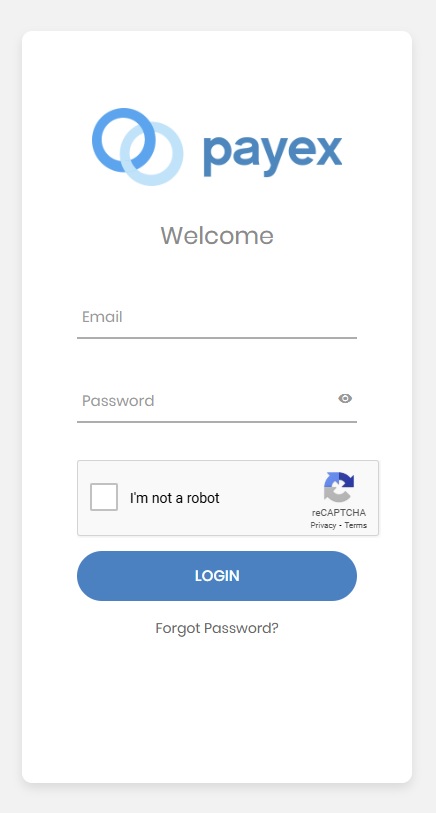
You can log in to your Payex portal account to update your payment gateway profile, request changes to your settlement bank account, or view your transaction and settlement history.
You will have to obtained an EasyRenz Payex Partner account first before you can use this Payex Portal.
Learn More: [Payment Gateway] How To Sign Up For Payex ?
You should never share your Payex Partner Account credentials.
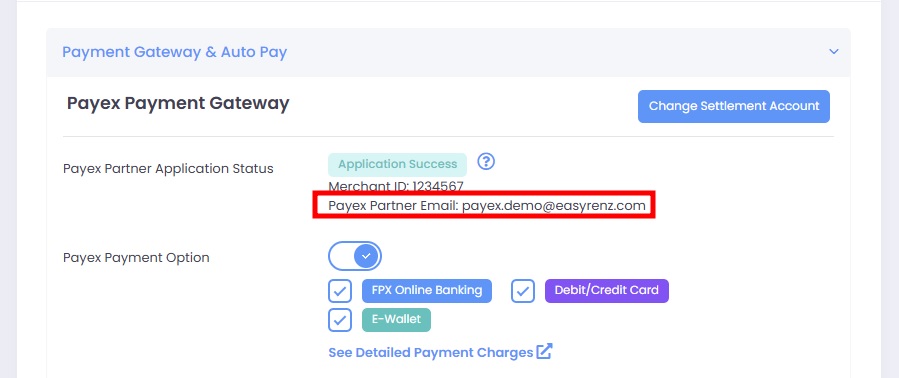
Step 1: Go to Profile > Account Settings > Open Payment Gateway & Auto Pay to look for your Payex Partner Account Email.
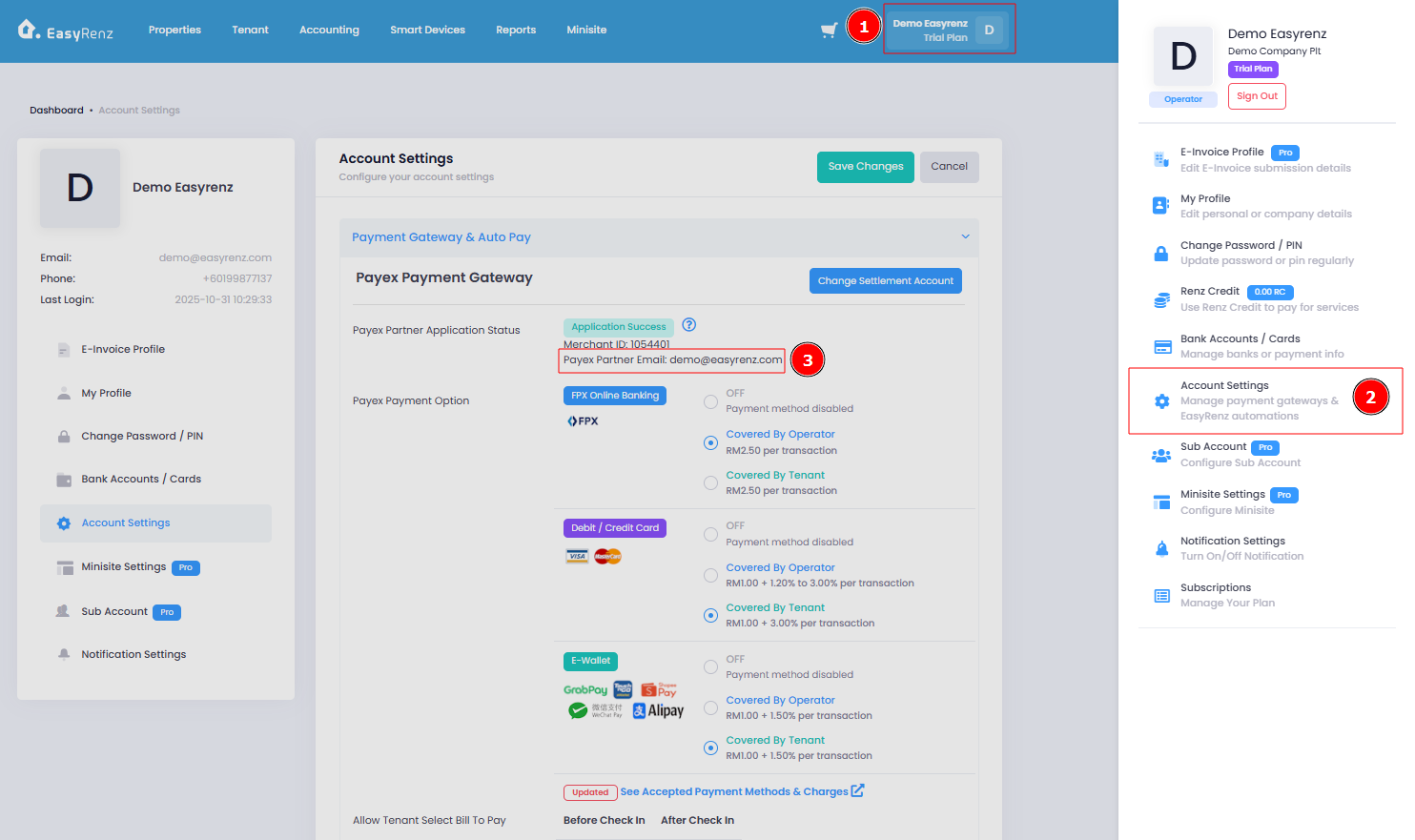
Your Payex credentials may differ from your EasyRenz account credentials, depending on when you registered for the Payex Partner Account.
You can check it under Payment Gateway & Auto Pay for your registered Payex Partner Email Address.
Step 2 : Visit https://portal.payex.io/ and login with your Payex Partner Email and credentials.
For your first login, you will receive your Payex Partner Account password via the email registered with Payex once your account is approved.
If you've forgotten the password, you can always click on "Forgot Password ?" to reset your Payex Partner Account.