
If your smart meter is offline (disconnected), follow these steps to troubleshoot and reconnect it:
⚡Troubleshoot Disconnected Smart Meters
🔍 Possible Causes:
The Wi-Fi connection is having issues.
The Wi-Fi name or password has been changed.
The router or internet service provider has been replaced or updated.
The router’s IP address is full.
Router instability or frequent restarts.
The meter disconnected automatically after a long period of inactivity.
🛠️ What You Can Do:
If the issue is not caused by points 1, 2, or 3, try these steps:
1. Restart the main MCB (main power switch) of the house.
This will restart both the meter and your internet connection.
After restarting, wait about 5-10 minutes and refresh the app to see if the meter is back online.
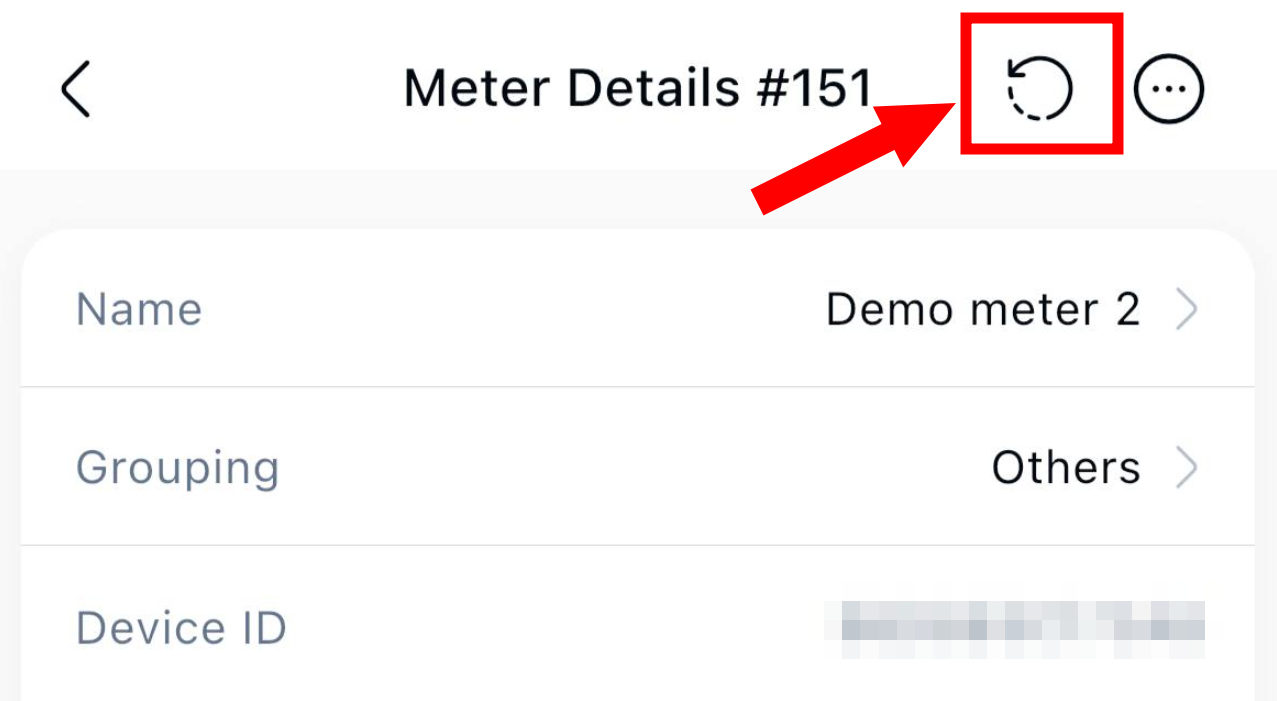
2. Redo the configuration step for the meter if it still shows offline.
Refer this link > Smart Meter Configuration