You can cancel your EasyRenz subscription anytime through your Subscription settings. If you disable auto-renewal, your plan will remain active until the expiry date of your current subscription.
Cancel Easyrenz Subscription
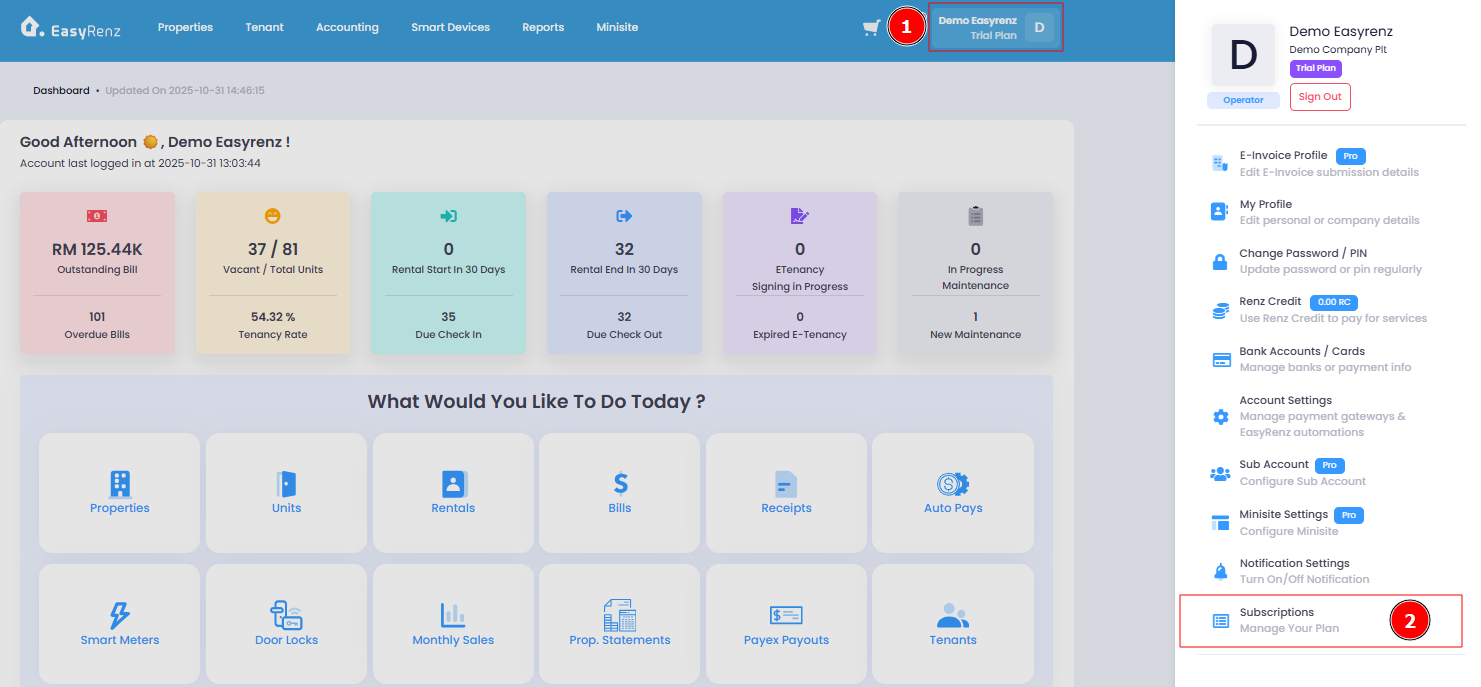
Step 1 : Profile > Subscriptions
Step 2 : Click on Cancel Auto Renew at the bottom page
Important:
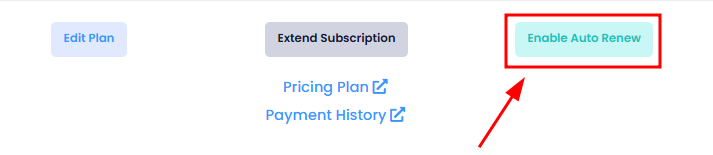
When you cancel auto-renewal for your subscription, your plan will not renew on the next expiry date. If you change your mind, you can always re-enable auto-renewal before your plan expires.

Step 3 : Proceed Cancel
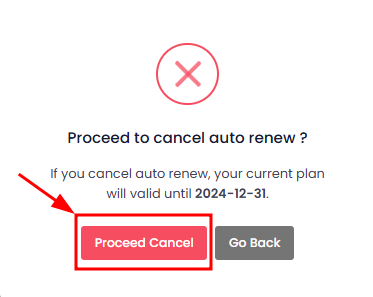
Your plan will not be auto-renewed and your subscription is canceled
Should you change your mind to resume subscription, you can always re-enable it on your subscription page.